


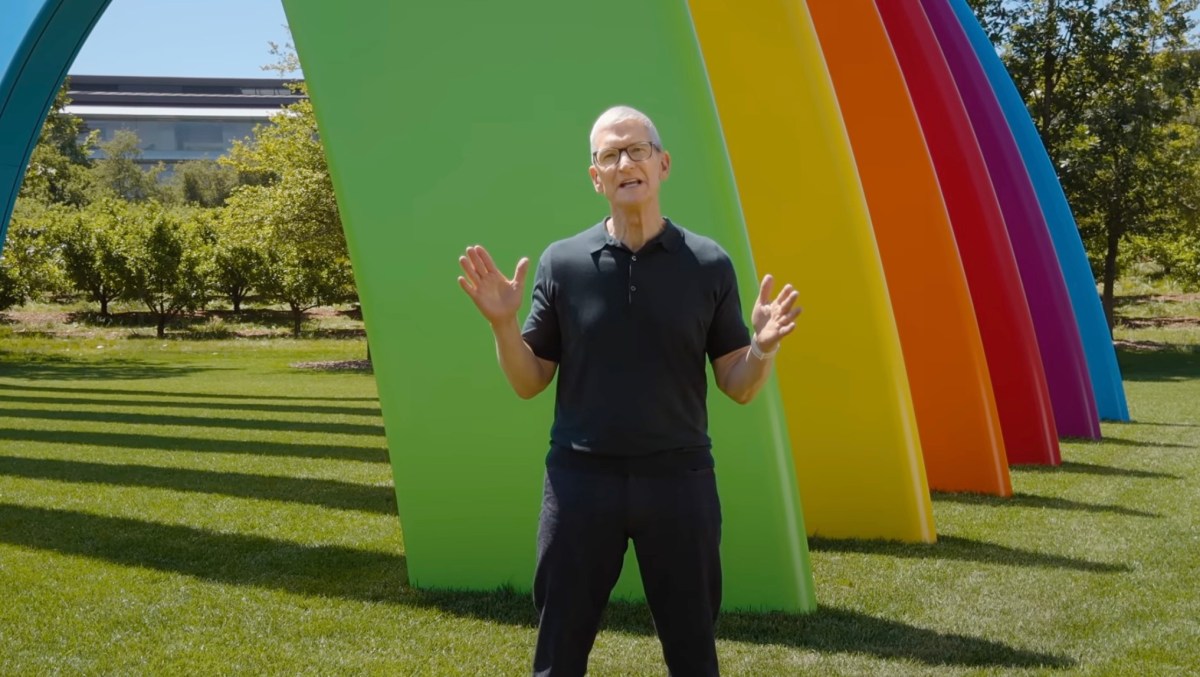
Apple’s Worldwide Developer Conference on Monday started off with an apology of sorts. Instead of jumping right into the headline news about a revamped AI-powered Siri, Apple’s senior vice president of Software Engineering, Craig Federighi spent the first stretch of the keynote on a list of repairs.
For the past two years, Apple has been racing to catch up in AI while frustrations with its core software quietly added up: a design overhaul users hated, a search function that barely worked, a file-sharing feature that routinely failed, and a Health app that ignored half its user base. Apple didn’t say any of that on Monday. But the structure of its WWDC keynote said it for them, leading with fixes before features, and framing a better Siri as one item on a long list of improvements rather than the main event. At minimum, the sequencing suggests Apple believes the foundation needs shoring up before it can credibly ask users to trust it with something as consequential as AI.
“Instead of just introducing a host of new features, we’re also taking the features you already rely on and making them even better, because we believe the best operating systems aren’t just built on big breakthroughs, they’re built on sweating the details,” Federighi said. It’s the kind of statement that would be unremarkable from most companies, but from Apple, it was as close to an admission of fault as you’ll get. (Sweating the details is exactly what critics said the company had stopped doing.)
Federighi didn’t have to wait long to prove the point. The first item on the list was the company’s controversial Liquid Glass design language that first arrived in iOS 26 and promptly triggered consumer backlash over readability and usability concerns.

While visually impressive, Liquid Glass’s glass-like aesthetic made certain on-screen elements harder to see. Users pointed out numerous ways the update was undercooked, particularly on the Mac, and begged Apple for tools to restore the more frosted look.
The company approached the moment carefully, saying “really appreciates” the user feedback it received over Liquid Glass over the past year.
“While we think this is a great new default look, we also know that some users would like Liquid Glass to be even more clear, and others prefer a more tinted appearance,” said Apple’s director of human interface design, Shubham Kedia, during the keynote address. (Nobody, for the record, is asking for it to be even clearer.)
Apple, which had already tweaked the design before today, is now allowing users to dial it back entirely with a new slider that goes all the way to “fully tinted.”

A few other small but telling updates followed. Apple showed a “more uniform” toolbar in macOS designed to better distinguish controls and text from the content beneath them, in another usability improvement. App icons received additional Liquid Glass refinements to make them “sharper and more defined,” even when set to clear mode.
Then came performance improvements. iPhone and iPad apps now launch 30% faster, new photos appear up to 70% faster in your library, and files are transferred up to 80% faster when using AirDrop, a notoriously flaky file-sharing system.

In a subtle acknowledgment that people are holding onto their phones longer these days, Apple said it extended performance improvements to all models back to iPhone 11, a phone released in 2019.
Apple also addressed several long-standing friction points: smoother transitions between Wi-Fi and cellular, a new indicator that lets you know when your messages are taking longer to go through (useful when you’re on low bandwidth or sending a large file), and a rebuilt search experience that the company describes as “more stable, more efficient, and more comprehensive of content.” New content will be indexed almost immediately, and a new ranking system in Mail will surface the most relevant results appear first. (The fact that this needed fixing at all says something about how far Apple’s search had fallen behind.)
Apple’s Health app — which had gone years without meaningfully supporting half its user base — added support for perimenopause and menopause tracking. It’s a long-overdue move that arrives as the menopause care market hits its stride: earlier this year, menopause telehealth startup Midi Health crossed a $1 billion valuation, and dedicated investment in the category topped $294 million between 2022 and last year.

iCloud shared photo albums can now accept contributions from Android and Windows users, making the feature far more useful for shared trips and group events.
Apple also rolled out improved screen time controls for parents before turning to the main event: the announcement of the AI-enhanced Siri.
The sequencing was intentional. By stacking a long list of smaller improvements up front, Apple reframed its Siri update as one piece of a broader effort, rather than the make-or-break AI moment the industry has been watching for.

That framing is probably smart. Siri is launching into “beta” for consumers later this year, but not in the EU or China, where Apple still has regulatory hurdles to clear. For a feature that was supposed to define Apple’s AI strategy, “beta, coming later, not everywhere” is a pretty noteworthy hedge.

Apple outlined other smaller AI advances, like how Apple Intelligence will be able to organize your webpages’ tabs, analyze webpages for information, check pages for updates, and more. You can even generate a custom Safari extension on the fly using AI, which sounds interesting.
Passwords and Safari can now work together to suggest and apply stronger passwords automatically. Apple Intelligence is also adding helpful reply suggestions in Messages based on conversation context. For instance, if someone asks you for photos, Apple’s AI can point you to the right ones. Calendar can now create events from natural language commands — something third-party apps like Fantastical have offered for years, which makes this a catch-up feature.
And AI will be able to surface key information when you make a phone call, like a confirmation code when calling an airline.
Meanwhile, the Home app will use AI to summarize events, catching up with companies like Amazon and Google, which have moved on to more advanced territory, things like fire detection and facial recognition. (We’d like to thank Apple for staying away from the latter, however.)

Image Playground — Apple’s AI image generation app — appears to have finally crossed the threshold from novelty to useful. Earlier versions produced images that were kitschy and difficult to apply practically; the updated model can generate something as functional as a business flyer or a cleanly edited photo. Apple also announced it will open image generation to developers via an API, a move that turns a consumer feature into a potential platform.
AI can also now edit photos more substantively — removing distracting items from a scene or expanding its edges using generative models, similar to what Google Photos offers. The standout is Spatial Reframing, which lets you adjust a photo’s composition after the fact using Apple’s on-device spatial models. It even works retroactively on photos already in your library, meaning years of existing images are now fair game.

When you purchase through links in our articles, we may earn a small commission. This doesn’t affect our editorial independence.
AI,Apps,TC#Apple #plays #catchup #WWDC1780954089
