

Subscribe to Updates

    Get the latest creative news from FooBar about art, design and business.

    What's Hot

    Škoda’s New EV Will Likely Be Its Most Expensive Yet

    June 14, 2026

    As Anthropic suspends access to new models, India debates its AI future

    June 14, 2026

    Meta reportedly moves to unwind $2B Manus deal after Beijing’s demand

    June 14, 2026
    Facebook Twitter Instagram
    • Tech
    • Gadgets
    • Spotlight
    • Gaming
    Facebook Twitter Instagram
    iGadgets TechiGadgets Tech
    Subscribe
    • Home
    • Gadgets
    • Insights
    • Apps

      As Anthropic suspends access to new models, India debates its AI future

      June 14, 2026

      Meta reportedly moves to unwind $2B Manus deal after Beijing’s demand

      June 14, 2026

      KPMG pulls report on AI usage due to apparent hallucinations

      June 13, 2026

      Amazon CEO reportedly raised Anthropic model concerns before government crackdown

      June 13, 2026

      This thin under-pillow speaker helped me fall asleep without earbuds

      June 13, 2026
    • Gear
    • Mobiles
      1. Tech
      2. Gadgets
      3. Insights
      4. View All

      Škoda’s New EV Will Likely Be Its Most Expensive Yet

      June 14, 2026

      The FCC Wants to Kill Burner Phones

      June 13, 2026

      EcoFlow PowerOcean Battery Review: Cutting My Bill in Half

      June 13, 2026

      Meet the New Dyson Vacuums: V16 Piston Animal, V10 Konical, V8 Cyclone (2026)

      June 13, 2026

      March Update May Have Weakened The Haptics For Pixel 6 Users

      April 2, 2022

      Project 'Diamond' Is The Galaxy S23, Not A Rollable Smartphone

      April 2, 2022

      The At A Glance Widget Is More Useful After March Update

      April 2, 2022

      Pre-Order The OnePlus 10 Pro For Just $1 In The US

      April 2, 2022

      Motorola Edge+ Review: It Checks A Lot Of Boxes

      April 2, 2022

      This Smartphone Concept Design Is Different… In A Good Way

      April 2, 2022

      Twitter Just Made Searching Your Direct Messages Better

      April 2, 2022

      That Netflix Price Hike Is Starting To Take Place

      April 2, 2022

      Latest Huawei Mobiles P50 and P50 Pro Feature Kirin Chips

      January 15, 2021

      Samsung Galaxy M62 Benchmarked with Galaxy Note10’s Chipset

      January 15, 2021
      9.1

      Review: T-Mobile Winning 5G Race Around the World

      January 15, 2021
      8.9

      Samsung Galaxy S21 Ultra Review: the New King of Android Phones

      January 15, 2021
    • Computing
    iGadgets TechiGadgets Tech
    Home»Tech»Backup Files and Your Entire Digital Life (2026): Hard Drives, Cloud-Based Tools, and Tips
    Tech

    Backup Files and Your Entire Digital Life (2026): Hard Drives, Cloud-Based Tools, and Tips

    adminBy adminMarch 31, 2026No Comments3 Mins Read
    Facebook Twitter Pinterest LinkedIn Tumblr Email
    Backup Files and Your Entire Digital Life (2026): Hard Drives, Cloud-Based Tools, and Tips
    Share
    Facebook Twitter LinkedIn Pinterest Email

    Backblaze, a backup company that currently stores more than 1 exabyte of data, and therefore has considerable experience with hard drives, periodically publishes its drive statistics, which have some helpful numbers to consider.

    Unfortunately, what jumps out of that data is that longevity varies more by model than by manufacturer. That said, I suggest sticking with known names like Seagate and Western Digital. Still, even brand-name drives fail. I had a big-brand-name drive fail on me once and it was only four months old. What you get by sticking with the brand names is good customer service. In my case, the company replaced the drive without question.

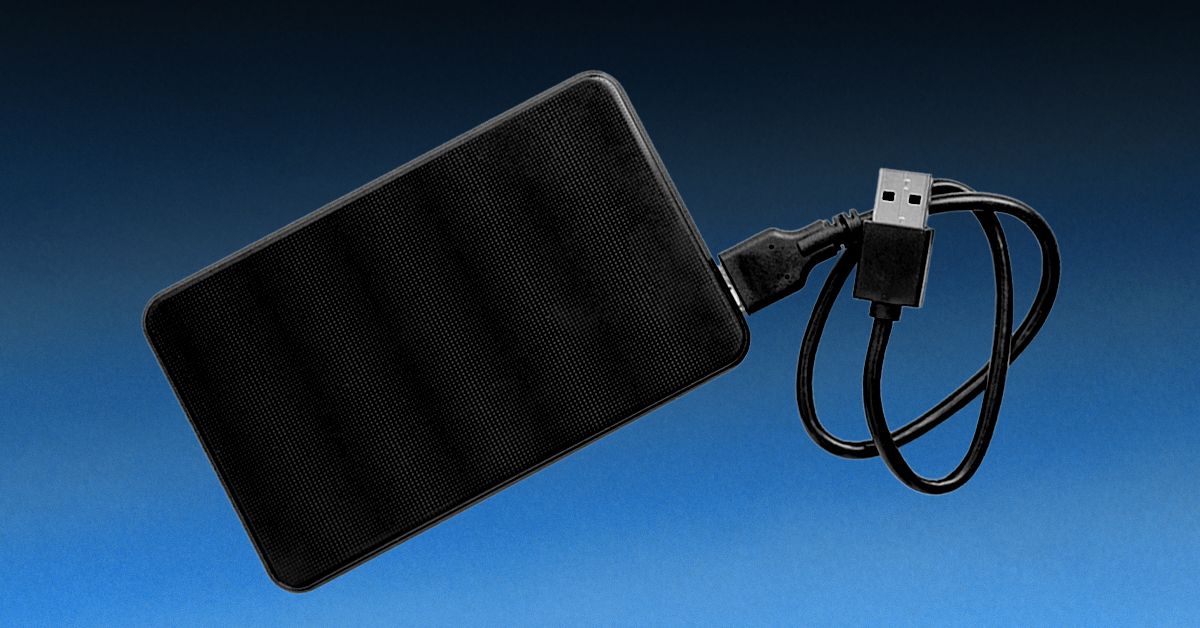
    Even within brand names, some external storage drives are better than others. Several of us here on the Reviews team have had good luck with Western Digital hard drives. I like the 8-TB model above, but if you want something smaller and more portable, the 5-TB My Passport Ultra has also been a reliable drive in my testing.

    One nice thing about buying a drive for backing up your data is that you don’t need to worry about drive speed. Even a slow 5,400-rpm drive is fine. These slower drives are cheaper, and since the backup software runs in the background, you probably won’t notice the slower speed. That said, I now keep two external hard drive backups: one on a traditional spinning drive and one on a more expensive SSD flash drive. A traditional spinning drive and SSD, even if purchased at the same time, are extremely unlikely to simultaneously fail.

    Get the largest backup drive you can afford. Incremental backups—which is how all good backup software works—save disk space by backing up only the files that have changed since the last backup. Even so, you need a larger drive for backups than whatever is on your PC. A good rule of thumb is to get a backup drive that’s two or even three times the size of the drive in your computer.

    A good backup system runs without you needing to do a thing. There shouldn’t even be a backup process; it should just happen automatically. If you have to make a backup, you probably won’t. That’s when the phrase “data loss” will enter your life.

    These days, there is software that can automate all of your backup tasks so you only need to do the configuration once, and never have to worry about it again. As with checking disk health, the backup automation tools vary by operating system (and if you’re worried about mobile data, keep reading, we’ll get to that below).

    Mac users should create automatic backups using Time Machine. It’s a wonderfully simple piece of software and possibly the best reason to buy a Mac. Apple has good instructions on how to set up Time Machine so it will make daily backups to your external hard drive. Time Machine is smart too; it will back up only files that have changed, so it won’t eat up all your disk space.

    Gear,Gear / How To and Advice,Gear / Reviews,Gear / Products / Computers,Safe and Soundshopping,storage,how-to,software#Backup #Files #Entire #Digital #Life #Hard #Drives #CloudBased #Tools #Tips1774959453

    Backup CloudBased Digital Drives Entire files Hard how-to Life shopping software storage Tips Tools
    Share. Facebook Twitter Pinterest LinkedIn Tumblr Email
    admin
    • Website
    • Tumblr

    Related Posts

    Škoda’s New EV Will Likely Be Its Most Expensive Yet

    June 14, 2026

    The FCC Wants to Kill Burner Phones

    June 13, 2026

    EcoFlow PowerOcean Battery Review: Cutting My Bill in Half

    June 13, 2026
    Add A Comment

    Leave A Reply Cancel Reply

    Editors Picks
    8.5

    Apple Planning Big Mac Redesign and Half-Sized Old Mac

    January 5, 2021

    Autonomous Driving Startup Attracts Chinese Investor

    January 5, 2021

    Onboard Cameras Allow Disabled Quadcopters to Fly

    January 5, 2021
    Top Reviews
    9.1

    Review: T-Mobile Winning 5G Race Around the World

    By admin
    8.9

    Xiaomi Mi 10: New Variant with Snapdragon 870 Review

    By admin
    8.9

    Samsung Galaxy S21 Ultra Review: the New King of Android Phones

    By admin
    Advertisement
    Demo
    iGadgets Tech
    Facebook Twitter Instagram Pinterest Vimeo YouTube
    • Home
    • Tech
    • Gadgets
    • Mobiles
    • Our Authors
    © 2026 ThemeSphere. Designed by WPfastworld.
    "korean kbj​ "korean bj "koreanbj​

    Type above and press Enter to search. Press Esc to cancel.